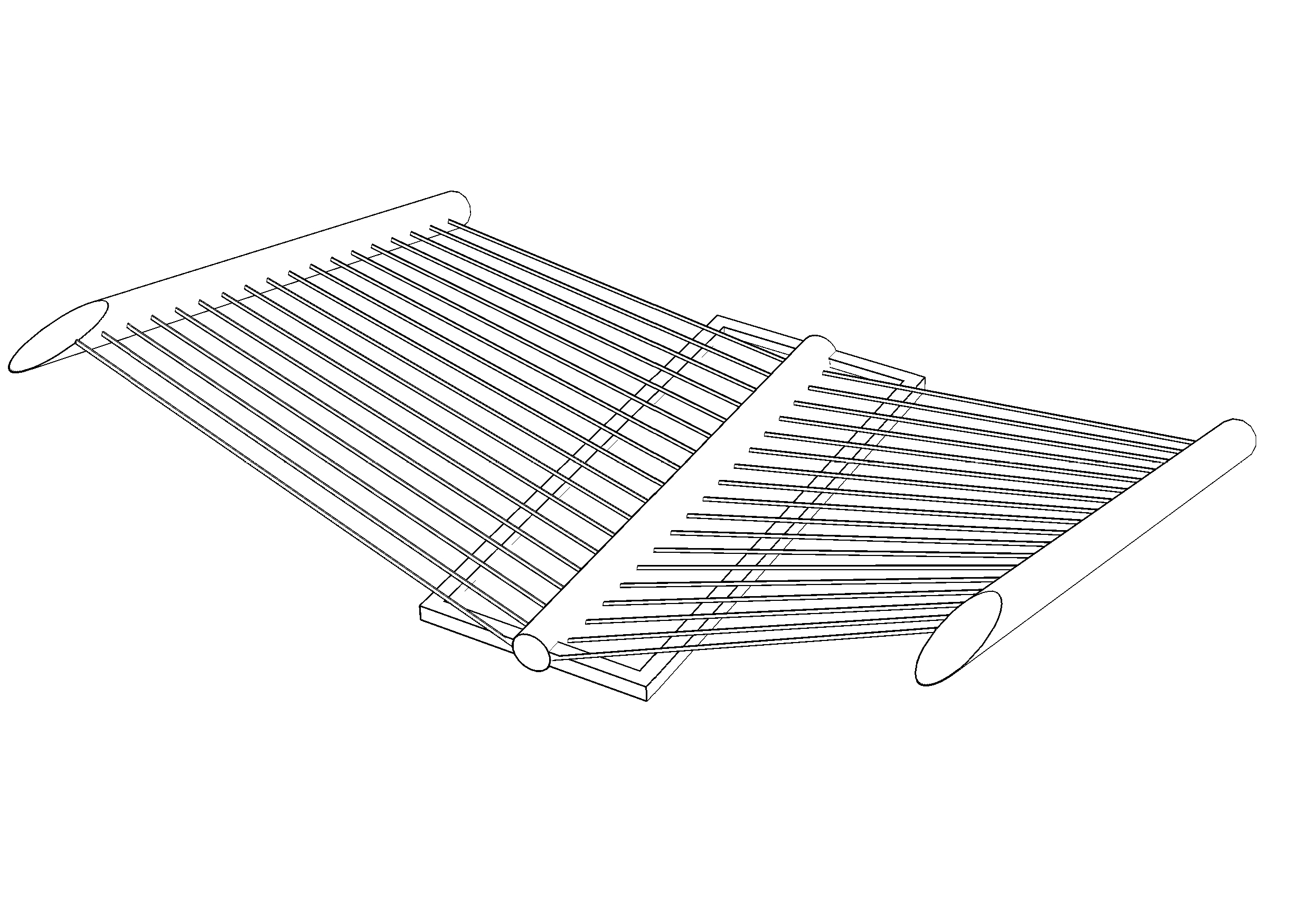
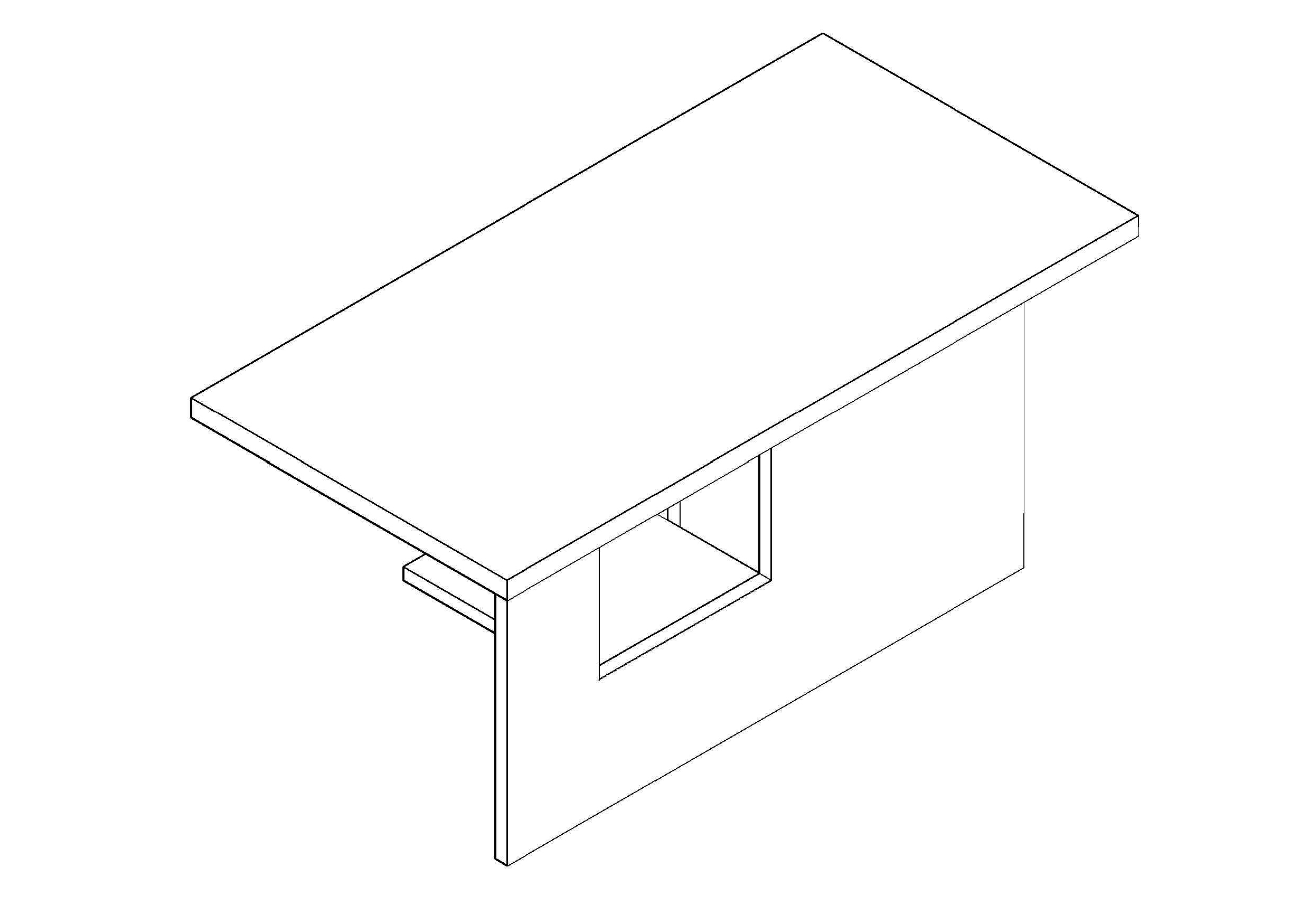
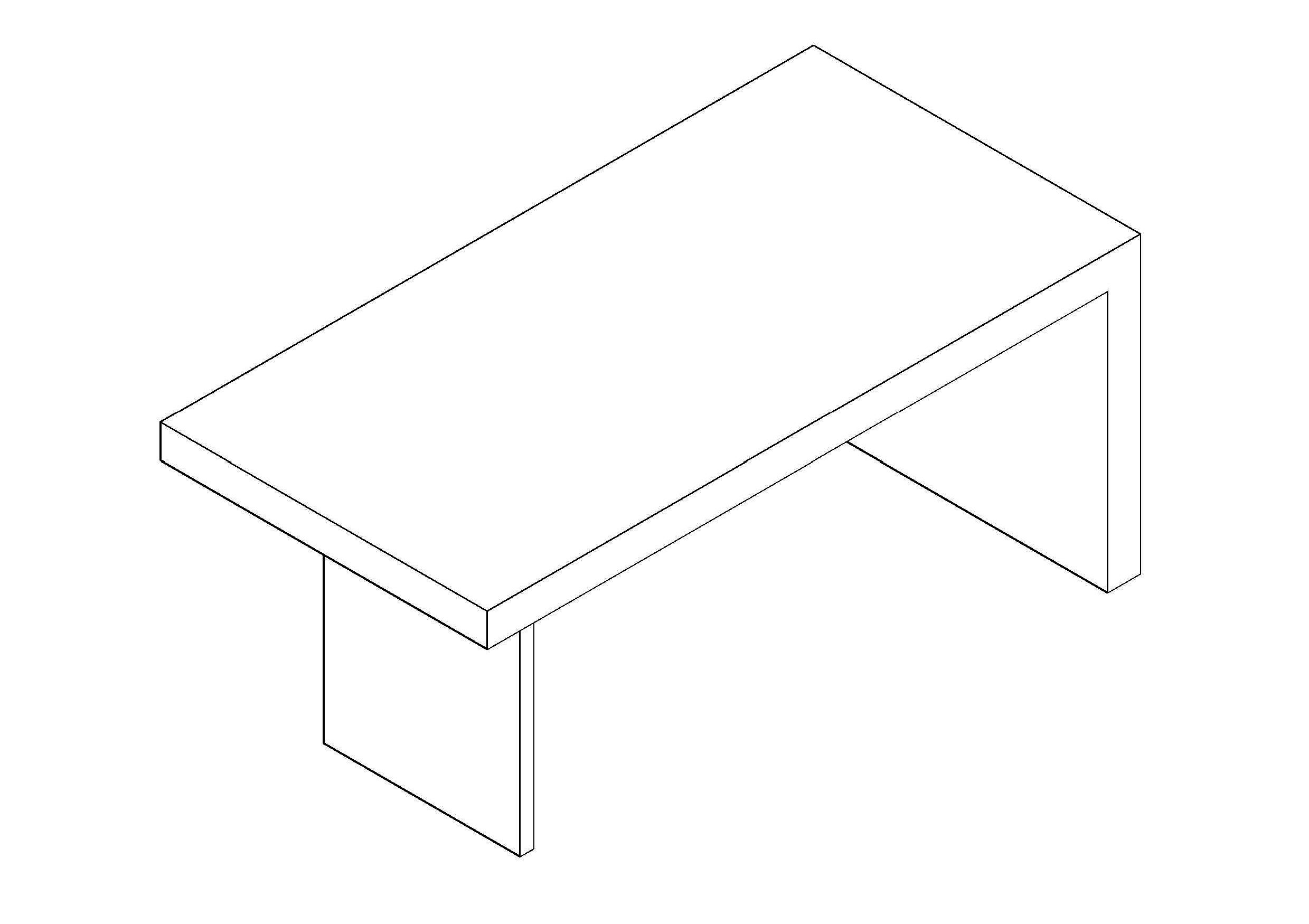
Free Hanging Canopy 3D CAD Drawing – DWG, DXF, PDF Format
A canopy is an overhead roof or else a structure over which a fabric or metal covering is attached, able to provide shade or shelter from weather conditions such as sun, hail, snow and rain. A canopy can also be a tent, generally without a floor. The word comes from the ancient Greek κωνώπειον (konópeion, "cover to keep insects off"), from κώνωψ (kónops, "cone-face"), which is a bahuvrihi compound meaning "mosquito". The first 'o' changing into 'a' may be due to influence from the place name Canopus, Egypt thought of as a place of luxuries.
Architectural canopies include projections giving protection from the weather, or merely decoration. Such canopies are supported by the building to which they are attached and often also by a ground mounting provided by not less than two stanchions, or upright support posts.
Canopies can also stand alone, such as a fabric covered gazebo or cabana. Fabric canopies can meet various design needs. Many modern fabrics are long-lasting, bright, easily cleaned, strong and flame-retardant. This material can be vinyl, acrylic, polyester or canvas. Modern frame materials offer high strength-to-weight ratios and corrosion resistance. The proper combination of these properties can result in safe, strong, economical and attractive products.
You need more 3D AutoCAD, DWG Drawings? Check the 3D CADs Category. Access our entire CAD blocks and DWG drawings on our homepage. For free 3D files, visit Freepolygon. Need free vector illustrations? Check out Vectorfreefiles. Stay updated with the latest design news and insights at Designrecap. Explore a global directory of design professionals and firms at Meshegg. Explore more resources for architecture students and professionals at Archiskills.
REQUEST A FILE FOR FREE
SIMILAR KEYWORDS
FAQ
-
01.
HOW CAN I EARN MONEY BY UPLOADING MY CAD FILES TO FREECADS?
You can earn ad revenue from your uploaded models. Every file you upload gets its own page with ads, and you receive an 80% share of the revenue generated from that page. The more people view your work, the more you earn.
-
02.
WHEN AND HOW ARE PAYMENTS MADE TO CREATORS?
Earnings are updated daily and paid every month using the industry standard net 40 system. That means revenue generated in one month is paid 40 days later, directly to your PayPal account.
-
03.
WHAT TYPES OF FILES CAN I UPLOAD OR DOWNLOAD ON FREECADS?
Freecads supports a wide range of professional file formats including DWG, DXF, PDF, SKP, RVT, IFC, 3DM, STEP, STP, PLN, DGN, IGS, SLDPRT, FCSTD, IPT, PRT, CATPART, 3DXML, IMODEL, and more. You can upload and download 2D and 3D models across multiple design platforms.
-
04.
WHAT IS THE DIFFERENCE BETWEEN FREE AND PREMIUM MEMBERSHIPS?
Both Free and Premium members can upload and earn from their files. Free Members can upload up to 30 files per month and track their last 30 downloads, while Premium Members enjoy an ad free experience throughout the site, unlimited uploads, unlimited download history, and priority access to new features for €2.9 per month or €19.9 per year. Both tiers can still download an unlimited amount of files.
-
05.
WHAT IS NEW IN THE LATEST VERSION OF FREECADS?
The new Freecads introduces a redesigned interface, faster search, expanded file support, and a creator dashboard that lets you track views, downloads, and earnings in real time. It is now simpler, faster, and fairer for everyone.