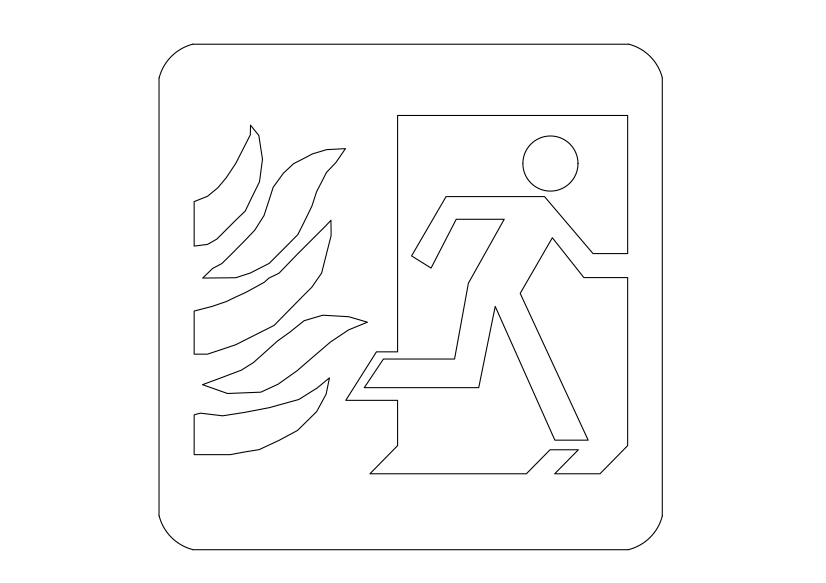
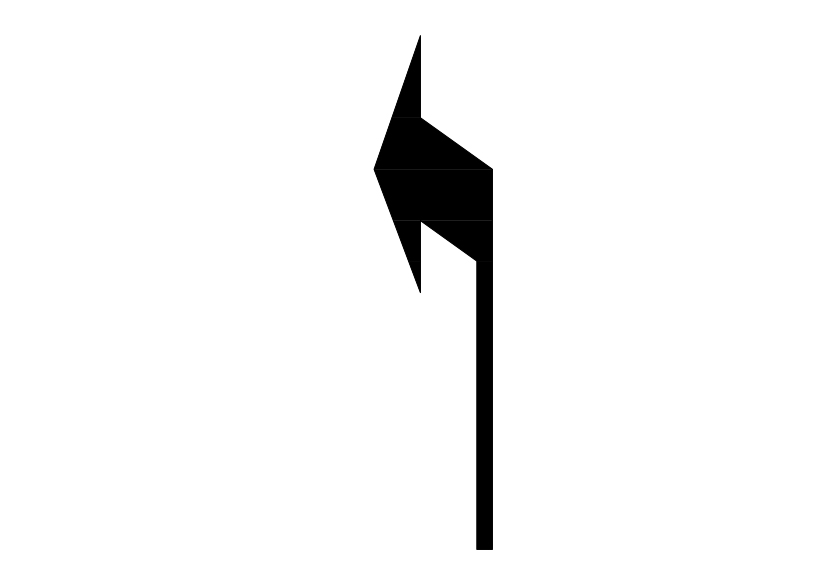
Free Emergency Exit Symbol CAD Block Icon – DWG, DXF, PDF Format
An emergency exit in a structure is a special exit for emergencies such as a fire: the combined use of regular and special exits allows for faster evacuation, while it also provides an alternative if the route to the regular exit is blocked by fire, etc. The qualifications for an emergency exit are as follows: it must be in a location that is easily accessible, the exit must have an area or location that it can bring people to in the event of any emergency situation, it must be controlled by the inside of the building, it must be well managed and regularly up kept, and it must be in a permanent location. It is usually in a strategically located (e.g. in a stairwell, hallway, or other likely places) outward opening door with a crash bar on it and with exit signs leading to it. The name is a reference to when they were frequently used, however, a fire exit can also be a main doorway must be able to be unlocked from the inside of the room. A fire escape is a special kind of emergency exit, mounted to the outside of a building.
You need more Symbols DWG and AutoCAD Blocks and Drawings? Check the Symbols Category. Access our entire CAD blocks and DWG drawings on our homepage. For free 3D files, visit Freepolygon. Need free vector illustrations? Check out Vectorfreefiles. Stay updated with the latest design news and insights at Designrecap. Explore a global directory of design professionals and firms at Meshegg. Explore more resources for architecture students and professionals at Archiskills.
REQUEST A FILE FOR FREE
SIMILAR KEYWORDS

FAQ
-
01.
HOW CAN I EARN MONEY BY UPLOADING MY CAD FILES TO FREECADS?
You can earn ad revenue from your uploaded models. Every file you upload gets its own page with ads, and you receive an 80% share of the revenue generated from that page. The more people view your work, the more you earn.
-
02.
WHEN AND HOW ARE PAYMENTS MADE TO CREATORS?
Earnings are updated daily and paid every month using the industry standard net 40 system. That means revenue generated in one month is paid 40 days later, directly to your PayPal account.
-
03.
WHAT TYPES OF FILES CAN I UPLOAD OR DOWNLOAD ON FREECADS?
Freecads supports a wide range of professional file formats including DWG, DXF, PDF, SKP, RVT, IFC, 3DM, STEP, STP, PLN, DGN, IGS, SLDPRT, FCSTD, IPT, PRT, CATPART, 3DXML, IMODEL, and more. You can upload and download 2D and 3D models across multiple design platforms.
-
04.
WHAT IS THE DIFFERENCE BETWEEN FREE AND PREMIUM MEMBERSHIPS?
Both Free and Premium members can upload and earn from their files. Free Members can upload up to 30 files per month and track their last 30 downloads, while Premium Members enjoy an ad free experience throughout the site, unlimited uploads, unlimited download history, and priority access to new features for €2.9 per month or €19.9 per year. Both tiers can still download an unlimited amount of files.
-
05.
WHAT IS NEW IN THE LATEST VERSION OF FREECADS?
The new Freecads introduces a redesigned interface, faster search, expanded file support, and a creator dashboard that lets you track views, downloads, and earnings in real time. It is now simpler, faster, and fairer for everyone.