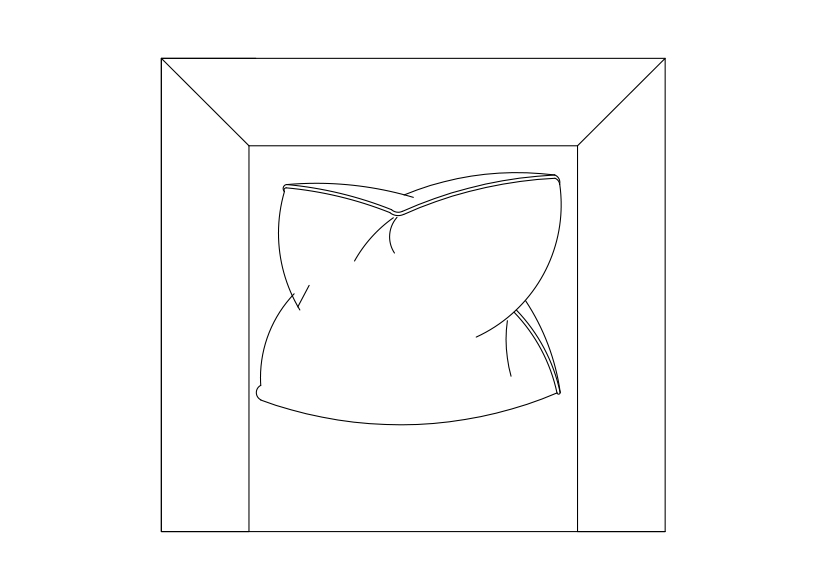
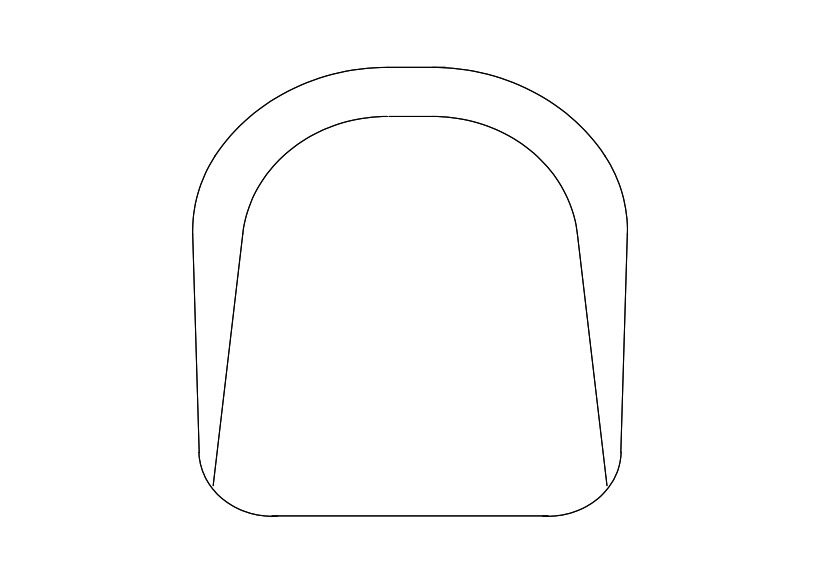
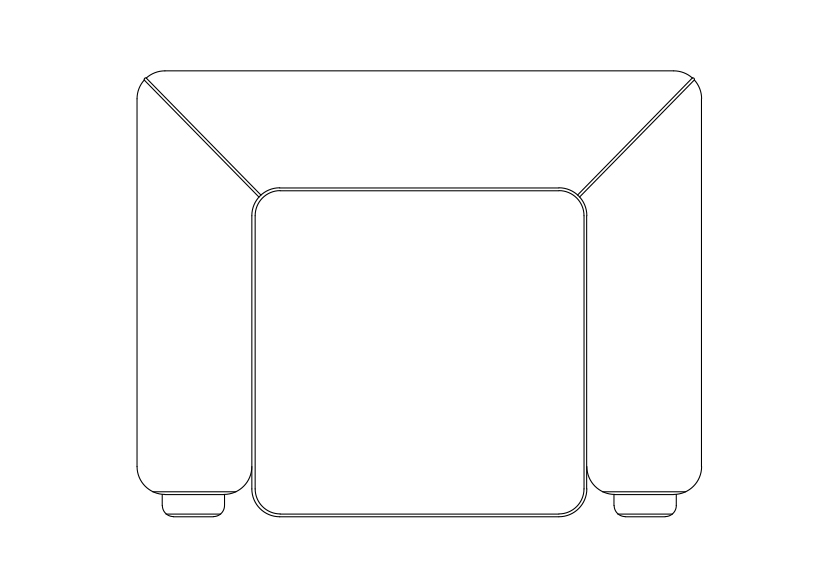
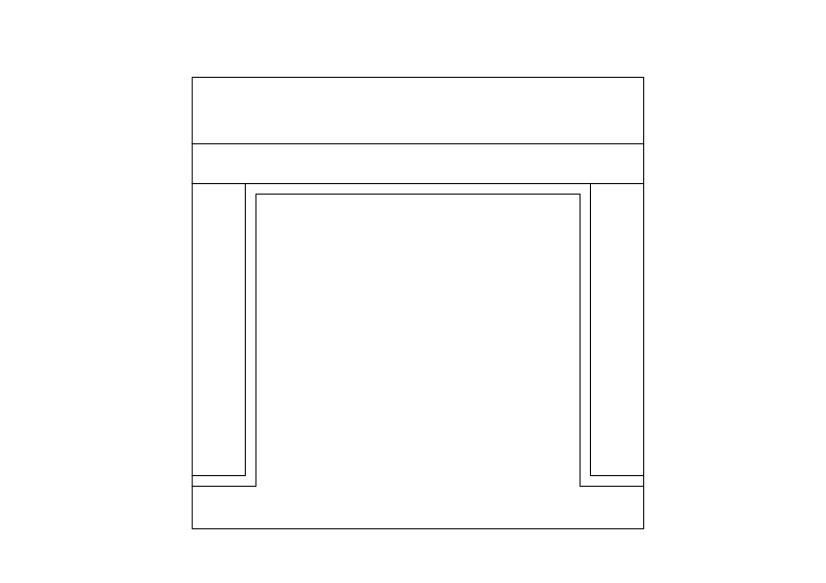
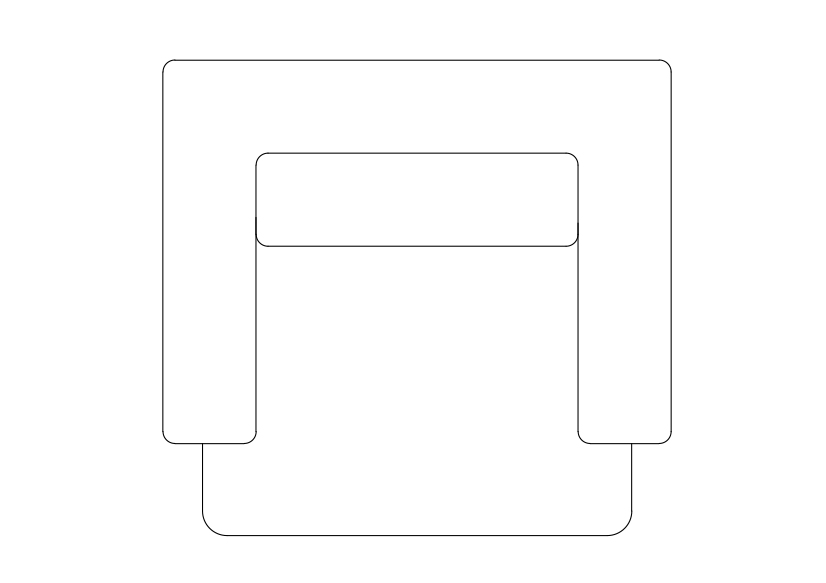
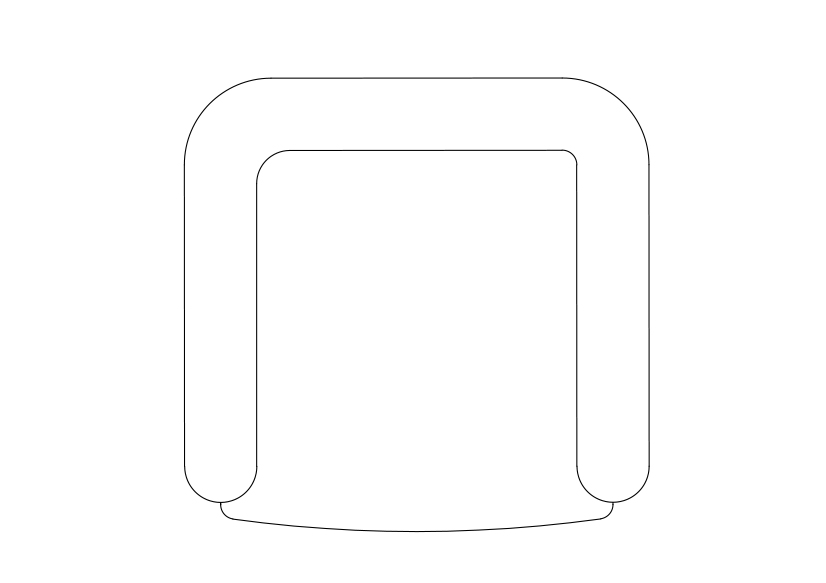
Free Armchair top view CAD Block – DWG, DXF, PDF Format
One of the basic pieces of furniture, a chair is a type of seat. Its primary features are two pieces of a durable material, attached as back and seat to one another at a 90° or slightly greater angle, with usually the four corners of the horizontal seat attached in turn to four legs—or other parts of the seat's underside attached to three legs or to a shaft about which a four-arm turnstile on rollers can turn—strong enough to support the weight of a person who sits on the seat (usually wide and broad enough to hold the lower body from the buttocks almost to the knees) and leans against the vertical back (usually high and wide enough to support the back to the shoulder blades). The legs are typically high enough for the seated person's thighs and knees to form a 90° or lesser angle. Used in a number of rooms in homes (e.g. in living rooms, dining rooms, and dens), in schools and offices (with desks), and in various other workplaces, chairs may be made of wood, metal, or synthetic materials, and either the seat alone or the entire chair may be padded or upholstered in various colors and fabrics. Chairs vary in design. An armchair has armrests fixed to the seat; a recliner is upholstered and under its seat is a mechanism that allows one to lower the chair's back and raise into place a fold-out footrest; a rocking chair has legs fixed to two long curved slats; a wheelchair has wheels fixed to an axis under the seat.
You need more DWG and AutoCAD Furniture? Check the Furniture Category. Access our entire CAD blocks and DWG drawings on our homepage. For free 3D files, visit Freepolygon. Need free vector illustrations? Check out Vectorfreefiles. Stay updated with the latest design news and insights at Designrecap. Explore a global directory of design professionals and firms at Meshegg. Explore more resources for architecture students and professionals at Archiskills.
REQUEST A FILE FOR FREE
SIMILAR KEYWORDS
FAQ
-
01.
HOW CAN I EARN MONEY BY UPLOADING MY CAD FILES TO FREECADS?
You can earn ad revenue from your uploaded models. Every file you upload gets its own page with ads, and you receive an 80% share of the revenue generated from that page. The more people view your work, the more you earn.
-
02.
WHEN AND HOW ARE PAYMENTS MADE TO CREATORS?
Earnings are updated daily and paid every month using the industry standard net 40 system. That means revenue generated in one month is paid 40 days later, directly to your PayPal account.
-
03.
WHAT TYPES OF FILES CAN I UPLOAD OR DOWNLOAD ON FREECADS?
Freecads supports a wide range of professional file formats including DWG, DXF, PDF, SKP, RVT, IFC, 3DM, STEP, STP, PLN, DGN, IGS, SLDPRT, FCSTD, IPT, PRT, CATPART, 3DXML, IMODEL, and more. You can upload and download 2D and 3D models across multiple design platforms.
-
04.
WHAT IS THE DIFFERENCE BETWEEN FREE AND PREMIUM MEMBERSHIPS?
Both Free and Premium members can upload and earn from their files. Free Members can upload up to 30 files per month and track their last 30 downloads, while Premium Members enjoy an ad free experience throughout the site, unlimited uploads, unlimited download history, and priority access to new features for €2.9 per month or €19.9 per year. Both tiers can still download an unlimited amount of files.
-
05.
WHAT IS NEW IN THE LATEST VERSION OF FREECADS?
The new Freecads introduces a redesigned interface, faster search, expanded file support, and a creator dashboard that lets you track views, downloads, and earnings in real time. It is now simpler, faster, and fairer for everyone.