

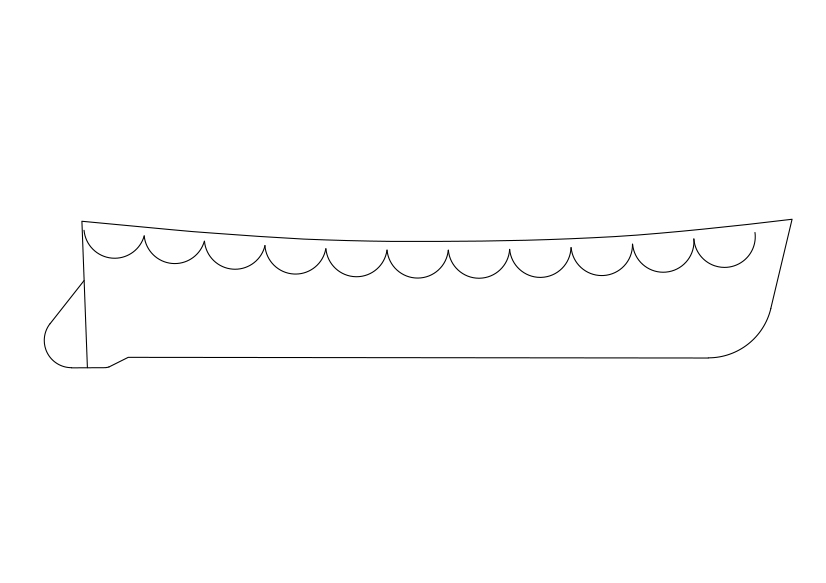
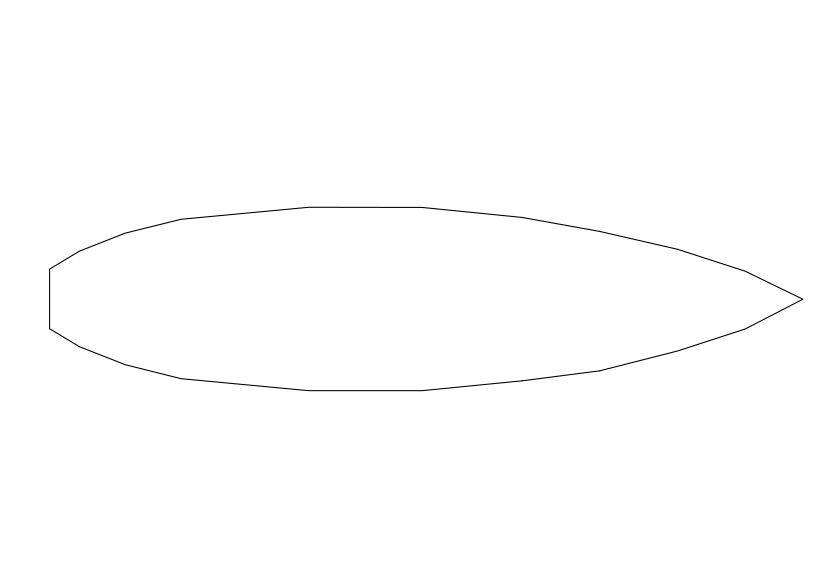
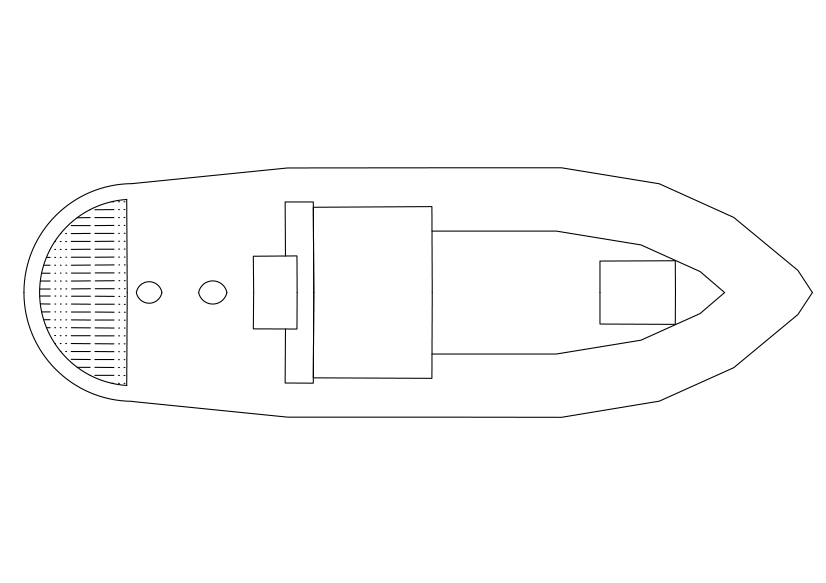
Free Sleigh Elevation CAD Block – DWG, DXF, PDF Format
A sled, sledge, or sleigh is a land vehicle that slides across a surface, usually of ice or snow. It is built with either a smooth underside or a separate body supported by two or more smooth, relatively narrow, longitudinal runners similar in principle to skis. This reduces the amount of friction, which helps to carry heavy loads.
Some designs are used to transport passengers or cargo across relatively level ground. Others are designed to go downhill for recreation, particularly by children, or competition. (Compare cross-country skiing with its downhill cousin.) Shades of meaning differentiating the three terms often reflect regional variations depending on historical uses and prevailing climate.
In British English, sledge is the general term, and more common than sled. Toboggan is sometimes used synonymously with sledge but more often to refer to a particular type of sledge without runners. Sleigh refers to a moderate to large-sized, usually open-topped vehicle to carry passengers or goods, and typically drawn by horses, dogs, or reindeer.
In American usage sled remains the general term but often implies a smaller device, often for recreational use. Sledge implies a heavier sled used for moving freight or massive objects. Sleigh refers more specifically than in Britain to a vehicle which is essentially a cold-season alternative to a carriage or wagon and has seating for passengers; what can be called a dog-sleigh in Britain is known only as a dog-sled in North America.
In Australia, where there is limited snow, sleigh and sledge are given equal preference in local parlance.
REQUEST A FILE FOR FREE
SIMILAR KEYWORDS
FAQ
-
01.
HOW CAN I EARN MONEY BY UPLOADING MY CAD FILES TO FREECADS?
You can earn ad revenue from your uploaded models. Every file you upload gets its own page with ads, and you receive an 80% share of the revenue generated from that page. The more people view your work, the more you earn.
-
02.
WHEN AND HOW ARE PAYMENTS MADE TO CREATORS?
Earnings are updated daily and paid every month using the industry standard net 40 system. That means revenue generated in one month is paid 40 days later, directly to your PayPal account.
-
03.
WHAT TYPES OF FILES CAN I UPLOAD OR DOWNLOAD ON FREECADS?
Freecads supports a wide range of professional file formats including DWG, DXF, PDF, SKP, RVT, IFC, 3DM, STEP, STP, PLN, DGN, IGS, SLDPRT, FCSTD, IPT, PRT, CATPART, 3DXML, IMODEL, and more. You can upload and download 2D and 3D models across multiple design platforms.
-
04.
WHAT IS THE DIFFERENCE BETWEEN FREE AND PREMIUM MEMBERSHIPS?
Both Free and Premium members can upload and earn from their files. Free Members can upload up to 30 files per month and track their last 30 downloads, while Premium Members enjoy an ad free experience throughout the site, unlimited uploads, unlimited download history, and priority access to new features for €2.9 per month or €19.9 per year. Both tiers can still download an unlimited amount of files.
-
05.
WHAT IS NEW IN THE LATEST VERSION OF FREECADS?
The new Freecads introduces a redesigned interface, faster search, expanded file support, and a creator dashboard that lets you track views, downloads, and earnings in real time. It is now simpler, faster, and fairer for everyone.